
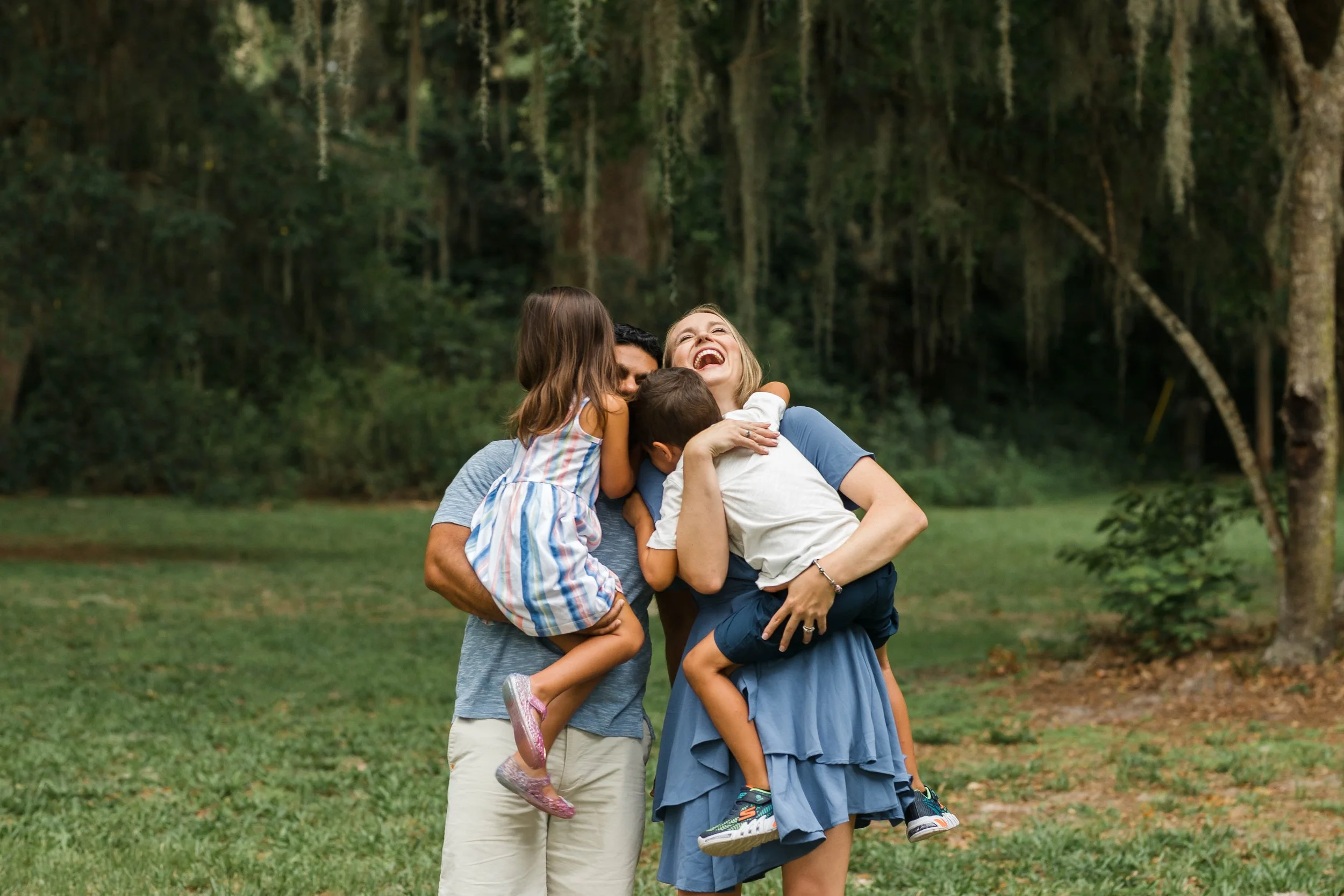
Wondering what to do with all of your digital images from your photo session? Here are the top five things I recommend.
If you recently had a photography session with myself or another photographer, chances are you received the digital images as part of your package. Great! Now, do you know what to do with them? Don’t let them collect digital dust on your hard drive. You paid good money for your images, let’s make the most of them! Read on for my top five tips on what to do with your digital images.
-
Back them up – there is a reason this is #1 on my list, it is the most important tip I have. Back. Up. Your. Images. If you downloaded them to your computers hard drive you’ll want to back them up at least once somewhere else. A good place to start is an External Hard Drive. Another excellent place to back up your files is any kind of cloud based storage. Whether this is iCloud, Dropbox or even Amazon has storage options. Upload your images to a cloud based service (or two!) and rest easy that they are safe. Lastly, make a print of every photo. This might not seem like a logical way to back up your images, but let me explain. You can always make a backup from a printed photo. They can be scanned and turned into a digital image. Now, it wont be a high resolution digital BUT it will be digital. You can easily print a bunch of 4×6 from consumer sites (I prefer mpix.com) or you can order them through me if you are a client. As an added bonus you and your family get to enjoy the prints on a daily basis.
-
Make a photo album – The best bang for your buck in terms of printed products is hands down a photo album. You can include many (if not all) of the images from your session, in one beautiful place. Your kids can flip through them whenever they want, and they are so easy to share with friends and family that are visiting. Personally, I make an annual album of just our professional family photos taken that year. And then I make a separate album for every day images. Clients that order albums through me are guaranteed a beautiful album printed on real photographic paper and have the option of a linen or leather album cover.
-
Create some wall art – Have you heard the statistic that children that have family pictures (that feature them) around the house have more self confidence? Isn’t that amazing? It turns out, seeing a photograph of yourself being loved and receiving love from your family makes you feel good about yourself. I mean, it totally makes sense, doesn’t it? Whether you add one framed print to your hallway each year or create a big gallery wall of canvas images after each session, displaying your family photographs around your house is a great idea. Plus, you have already invested in your photography session, you might as well create some art out of them!
-
Give them as gifts – Chances are, if you recently have had a photography session done, you have family members that have been begging for a copy of them. So get to gifting! Put those images to good use and create framed desk prints, Christmas ornaments, brag books, photo albums, blankets, pillows, travel mugs…the options are endless! I have never known a grandparent to turn down a gift with their grandchild’s image plastered all over it – ha! Recently, I made a 1000 piece puzzle for my mom from our last extended family photography session that included our entire family. She loves the challenge of a good puzzle, and the reward at the end is extra sweet as it features her favorite grandkids.
-
Update your phone and computer screens – Don’t forget to use your digital images the places you use the most, your phone and home computers! Update your home screen, lock screen, desktop background, even your TV screensaver if you have a TV that has that feature. It is such a nice surprise and little dopamine hit when you pick up your phone and see a gorgeous image of you and your kids. Opening up your laptop to answer emails seems a bit easier after a quick glance at your favorite image from your photography session. Remind yourself how fun and beautiful your family is before calling the pediatrician when your kids are home sick for the 3940345 time since school/daycare started for the year 😉
These are some of my favorite ways to preserve and use your digital images. Are there any that I missed? If you’d like to learn more about Family Photography sessions with me, please visit a few of the links below. And as always, feel free to contact me.






+ Comments